Use case issues
-
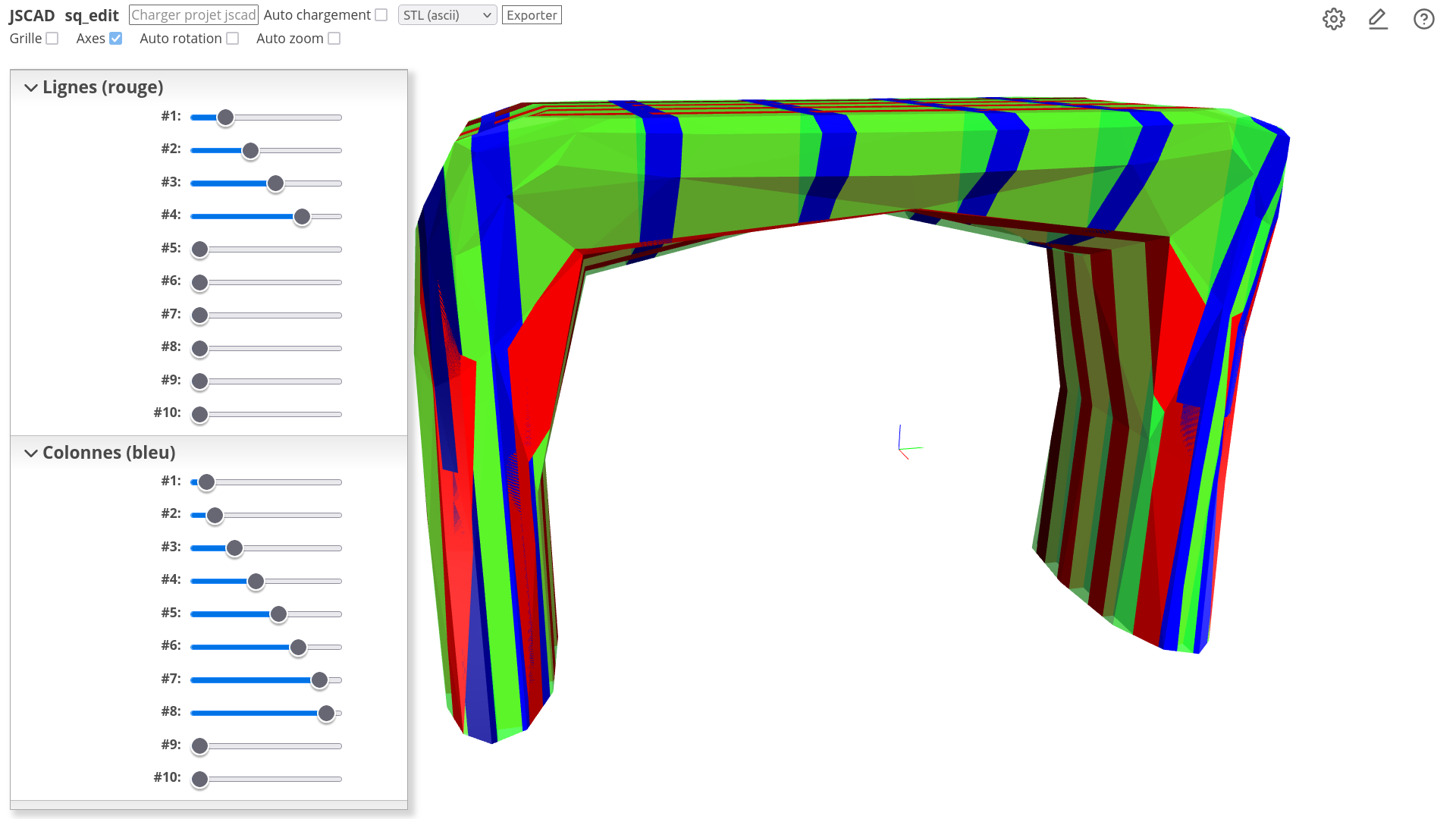
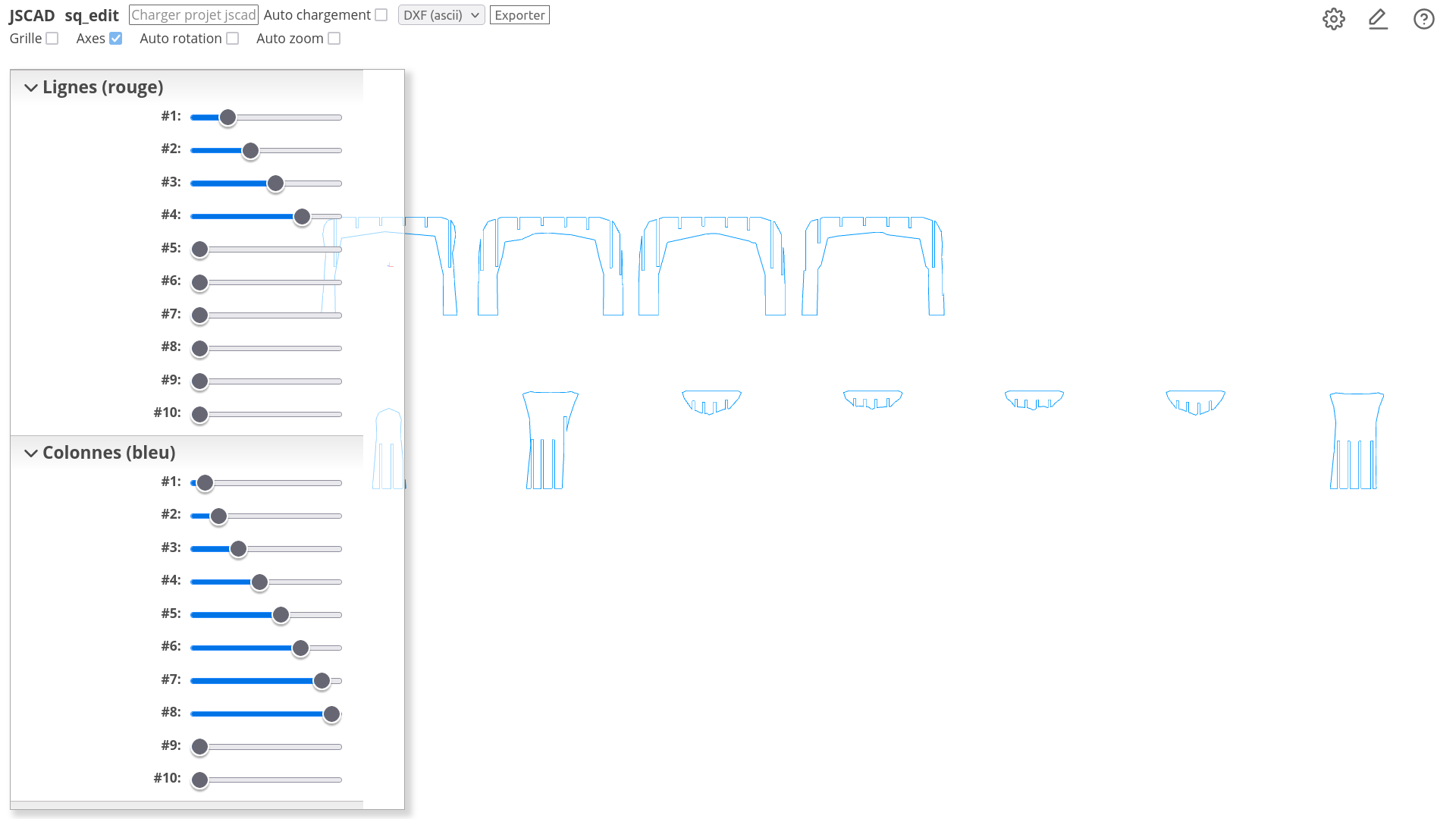
Hello, I'm making a new furniture that I designed with Wings 3d. For this project I need a 2 axis skeleton that my sq_edit JSCAD script can do.
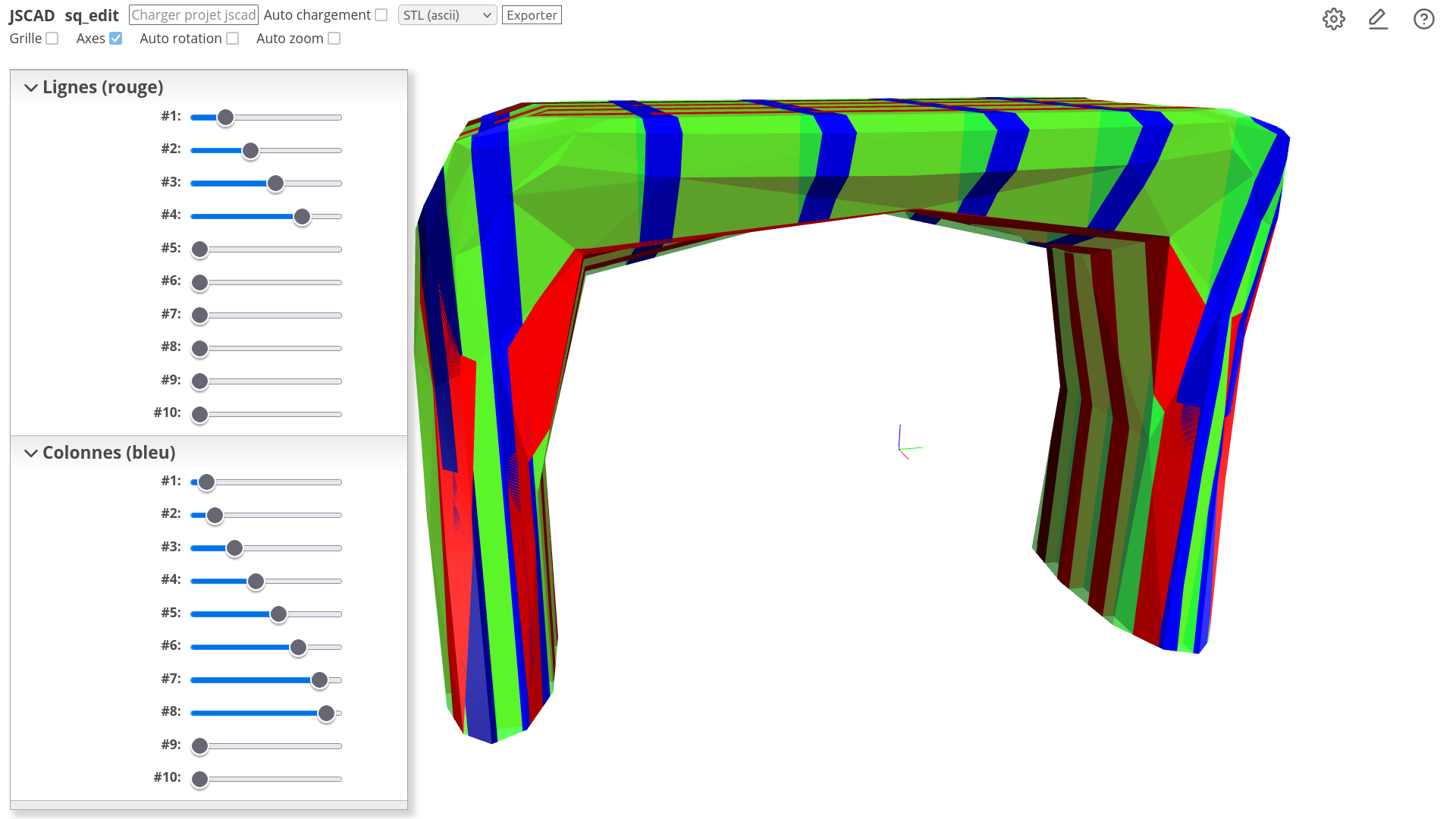
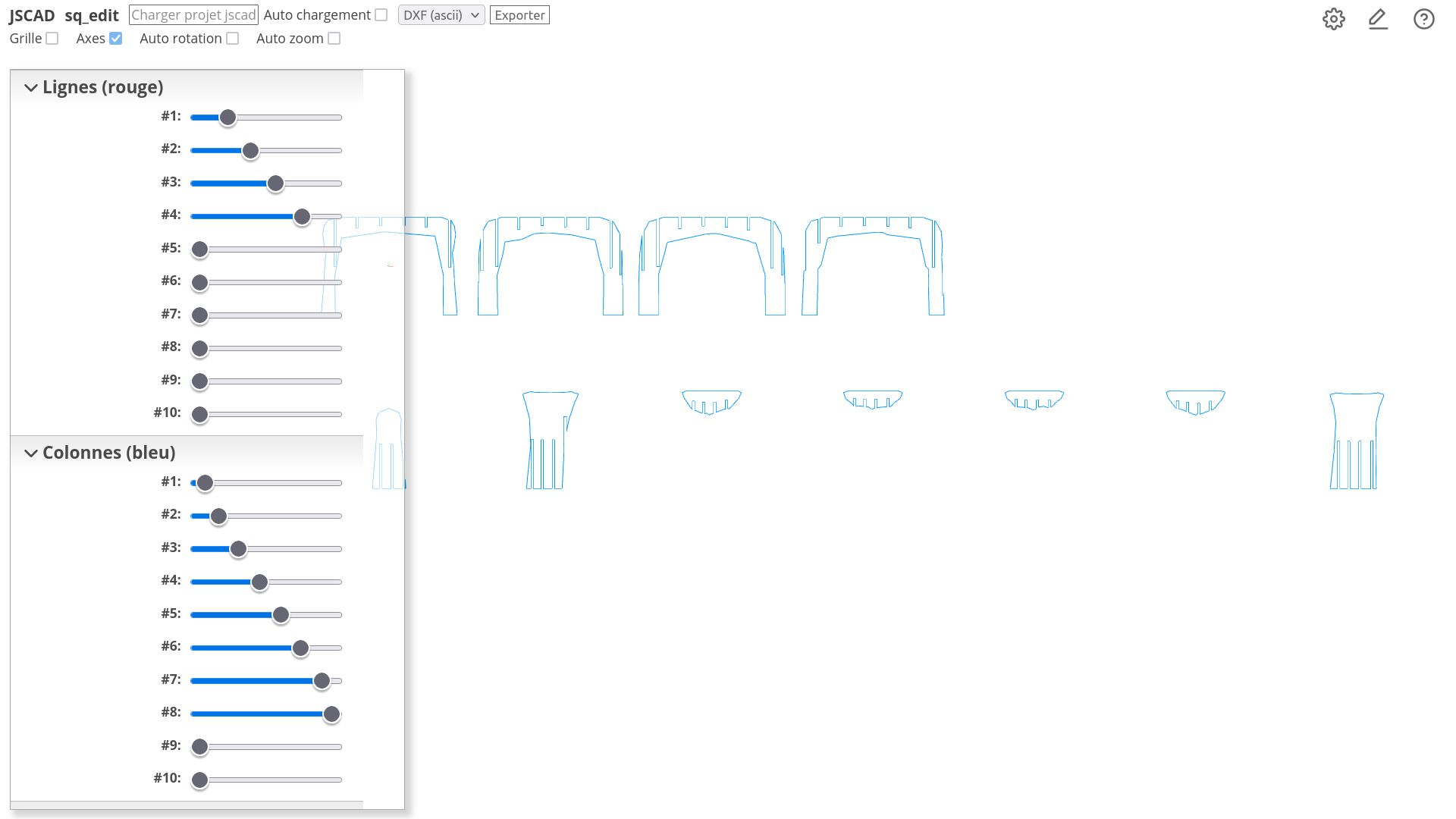
It's a script that works fine, but to make it work the only way is have it into a local folder, run JSCAD website into a browser, then click on project and select this folder, and finally type the model name into the model parameter and move the sliders. Won't it be possible to use an html <input type="file"> to select a local file that is not into the project folder ? (for me it is not a problem, but for the others users that are not confortable with computers it is too complicated)
As I was preparing the pattern (rearrange the pieces and add labels), I saw that one of the pieces would be cut in two, so I need to slide it a little to avoid that, sadly to do that I need to run the script again and edit all the sliders. I make screenshot of the script each time to remind of the sliders configuration, but won't it be easier to be able to save/load parameters values for such script ? or at last having a numeric field to show the values ? The sliders are very useful once you know how to put the model accordingly you can edit it very quickly, and even on 2d mode when you know your model, so both the slider and a numeric value would be great. I know that I'm repeating the same things, but it is my use case and I hope that it can be helpful.
-
Thanks to the browser cache I was able to run the script again and it already had all values loaded and I only needed to change the slider that was badly positioned.

Hello! It looks like you're interested in this conversation, but you don't have an account yet.
Getting fed up of having to scroll through the same posts each visit? When you register for an account, you'll always come back to exactly where you were before, and choose to be notified of new replies (either via email, or push notification). You'll also be able to save bookmarks and upvote posts to show your appreciation to other community members.
With your input, this post could be even better 💗
Register Login