• 3D Fractals

    2
    1
    0 Votes
    2 Posts
    1k Views
    Christopher FryC
    @z3dev NICE!
  • applyTransforms

    5
    0 Votes
    5 Posts
    2k Views
    sopattS
    @z3dev if there is anything I can do to help, I'm willing. I'm happy to share my code as well. Here is PosableGeom3.js: "use strict"; const jscad = require('@jscad/modeling'); const { Pose } = require('./Pose'); const { mat4, vec3, vec4 } = jscad.maths; const { geom3 } = jscad.geometries; const { PI } = Math; // Base class for geom3 objects with named Poses class PosableGeom3 { constructor(geometry, poses) { this._geometry = geometry || geom3.create(); this._poses = {}; if (poses) { Object.keys(poses).forEach(key => { this._poses[key] = poses[key].clone(); }); } } get polygons() { return this._geometry.polygons; } set polygons() { this._geometry.polygons = value; } get transforms() { return this._geometry.transforms; } set transforms(value) { this._geometry.transforms = value; } clone() { // Create a new geom3 with deep-copied polygons and transforms const clonedGeom = geom3.clone(this._geometry); // Clone the poses const clonedPoses = {}; Object.keys(this._poses).forEach(key => { clonedPoses[key] = this._poses[key].clone(); }); // Create a new PosableGeom3 with the cloned geometry and poses return new PosableGeom3(clonedGeom, clonedPoses); } transform(matrix) { this._geometry = geom3.transform(matrix, this._geometry); Object.keys(this._poses).forEach(key => { this._poses[key].transform(matrix); }); return this; } getPose(name) { return this._poses[name] || new Pose(); } applyTransforms(){ this._geometry = geom3.create(geom3.toPolygons(this._geometry)); return this; } alignTo(port, targetPose) { const sourcePose = this.getPose(port); if (!sourcePose) { throw new Error(`Invalid port ${port}`); } if (!targetPose) { throw new Error(`Invalid targetPose`); } return this.transform( sourcePose.getMatrix(targetPose) ); } } module.exports = { PosableGeom3 }; And here is Pose.js: "use strict"; const jscad = require('@jscad/modeling'); const { vec3, vec4, mat4 } = jscad.maths; const { geom3 } = jscad.geometries; const { abs } = Math; const { translate } = jscad.transforms; const { union } = jscad.booleans; const { cylinder, sphere, cylinderElliptic } = jscad.primitives; const x = 0; const y = 1; const z = 2; const w = 3; class Pose { constructor(point, heading, up) { // Default position to origin if not provided this._point = point ? vec3.clone(point) : vec3.create(); // Default heading to Y+ (0, 1, 0) if not provided this._heading = vec3.normalize( vec3.create(), heading ? vec3.clone(heading) : [0, 1, 0] ); // Default up to Z+ (0, 0, 1) if not provided this._up = up ? vec3.clone(up) : [0, 0, 1]; // Project up onto the plane perpendicular to heading const dot = vec3.dot(this._up, this._heading); const projectedUp = vec3.subtract( vec3.create(), this._up, vec3.scale(vec3.create(), this._heading, dot) ); // Check if up is parallel to heading // (length of projectedUp near zero) if (vec3.length(projectedUp) < 0.00001) { // Choose a perpendicular vector based on heading if (abs(this._heading[z]) < 0.99999) { this._up = vec3.cross( vec3.create(), this._heading, [0, 0, 1] ); } else { this._up = vec3.cross( vec3.create(), this._heading, [1, 0, 0] ); } } else { this._up = vec3.normalize(vec3.create(), projectedUp); } // Ensure up is normalized vec3.normalize(this._up, this._up); } get point() { return vec3.clone(this._point); } get heading() { return vec3.clone(this._heading); } get up() { return vec3.clone(this._up); } clone() { return new Pose(this._point, this._heading, this._up); } transform(matrix) { // Transform point (w = 1) let v = this._point.concat(1); // Convert vec3 to vec4 v = vec4.transform(vec4.create(), v, matrix); this._point = vec3.clone(v); // Convert back to vec3 // Transform heading (w = 0) v = this._heading.concat(0); // Convert vec3 to vec4 v = vec4.transform(vec4.create(), v, matrix); this._heading = vec3.clone(v); // Convert back to vec3 // Transform up (w = 0) v = this._up.concat(0); // Convert vec3 to vec4 v = vec4.transform(vec4.create(), v, matrix); this._up = vec3.clone(v); // Convert back to vec3 return this; } getMatrix(targetPose) { let t = mat4.create(); // Step 1: Translate to origin t = mat4.multiply( mat4.create(), mat4.fromTranslation(mat4.create(), vec3.scale(vec3.create(), this._point, -1)), t ); // Step 2: Align heading with targetPose t = mat4.multiply( mat4.create(), mat4.fromVectorRotation(mat4.create(), this._heading, targetPose._heading), t ); // Step 3: Roll around heading to align up vector const p = this.clone().transform(t); const dot = vec3.dot( vec3.cross(vec3.create(), p._up, targetPose._up), p._heading ); let angle = vec3.angle(p._up, targetPose._up); if (dot < 0) angle = -angle; if (Math.abs(angle) > 1e-6) { t = mat4.multiply( mat4.create(), mat4.fromRotation(mat4.create(), angle, targetPose._heading), t ); } // Step 4: Translate to targetPose.point t = mat4.multiply( mat4.create(), mat4.fromTranslation(mat4.create(), targetPose._point), t ); return t; } render() { const vecGeom = (vector) => { const vectorLength = vec3.length(vector) || 1;; const vectorRadius = vectorLength / 10; const arrowLength = vectorLength / 5; const arrowRadius = vectorLength / 5; let out = union( cylinder({ // arrow body center: [0, 0, vectorLength / 2], height: vectorLength, radius: vectorRadius }), cylinderElliptic({ // arrow head center: [0, 0, vectorLength], startRadius: [arrowRadius, arrowRadius], endRadius: [0, 0], height: arrowLength }) ); out = geom3.transform( mat4.fromVectorRotation( mat4.create(), [0, 0, vectorLength], vector ), out ); return out; }; let g = translate( this._point, union( sphere({ radius: 0.2 }), vecGeom(this._heading), vecGeom(this._up) ) ); return g; } roll(angle) { if (angle === 0) return this; // Create a rotation matrix around the heading vector const rotationMatrix = mat4.create(); mat4.rotate( rotationMatrix, rotationMatrix, angle, this._heading ); // Transform the up vector using the rotation matrix (w = 0) const transformedUp = vec4.transform( vec4.create(), this._up.concat(0), rotationMatrix ); this._up = vec3.clone(transformedUp); return this; } translate(vector) { this._point = vec3.add( vec3.create(), vector, this._point ); } } module.exports = { Pose }; // end of file

  • Excessively elaborate eggs etc

    3
    0 Votes
    3 Posts
    1k Views
    z3devZ
    The booleans are working fine but the orientation of the polygons are super important. You can check the orientation your self, but one of the easiest checks if volume(). Hope that helps
  • JSCAD TEXT and Object API Add-on

    1
    0 Votes
    1 Posts
    843 Views
    No one has replied
  • Click to item for Callback/Event functionality

    12
    1
    0 Votes
    12 Posts
    9k Views
    DavidLyon66D
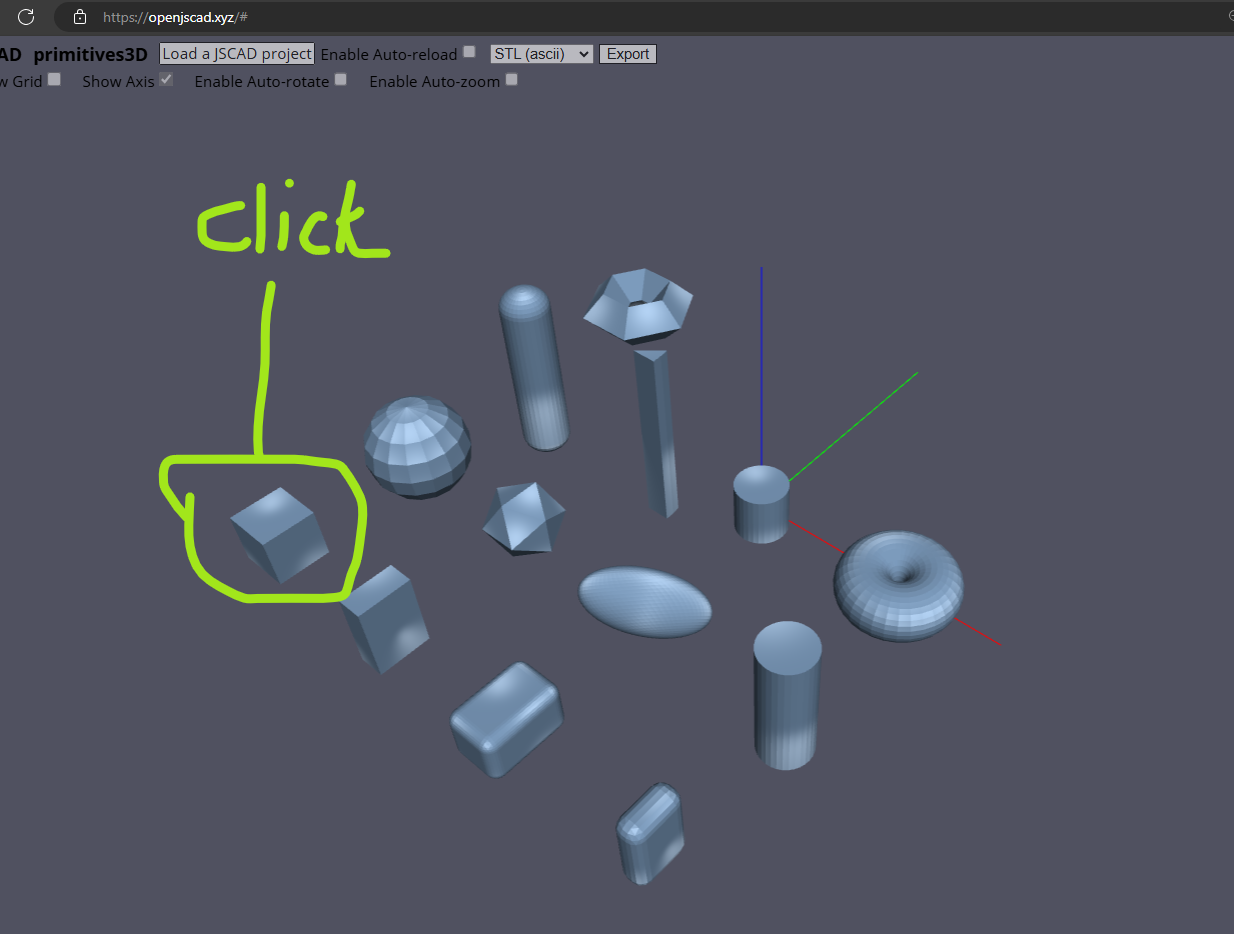
    @z3dev said in Click to item for Callback/Event functionality: the focus of JSCAD is still 3D printing Yes, that aligns with what I am doing. [image: 1718582272079-2b434c15-360f-4ba4-a8e1-de0c65509bd5-image.png] The reason that I was querying this capability is that in the above picture of a drill-tray example, made from a photo-scan, I want to put in different options for the hinge and lid made by clicking on the parts in the jscad ui. It's no big deal if it's not easy to achieve (as explained by @hrgdavor) in jscad at this point in time. I can resolve this some other way. I just thought it might be easy* Interestingly, I was able to find that there is a component that does what I need for gltf but I haven't been able to locate an Open-Source equivalent just yet. https://iconscout.com/gltf-3d-editor provides a simple click+transform+rotate component for their platform that does what I was looking for.
  • Create JSCAD Designs

    2
    1 Votes
    2 Posts
    2k Views
    z3devZ
    This is a way too cool project to create JSCAD designs in VSCODE. But there's also a nice like webserver for those that want to use another external editor.
  • 0 Votes
    5 Posts
    2k Views
    Hermann-SWH
    @hrgdavor Thanks, done: https://github.com/jscad/OpenJSCAD.org/issues/1318
  • fetch() in a design

    15
    0 Votes
    15 Posts
    4k Views
    hrgdavorH
    @Andreas-Plesch jscad.app is just a new prototype, not yet part of official jscad, I did not implement /remote ... it is meant for fetching remote scripts you can report issues on jscadui git or ask on discord.
  • Starting reusing JSCAD for unfolding projects

    2
    1
    1 Votes
    2 Posts
    1k Views
    hrgdavorH
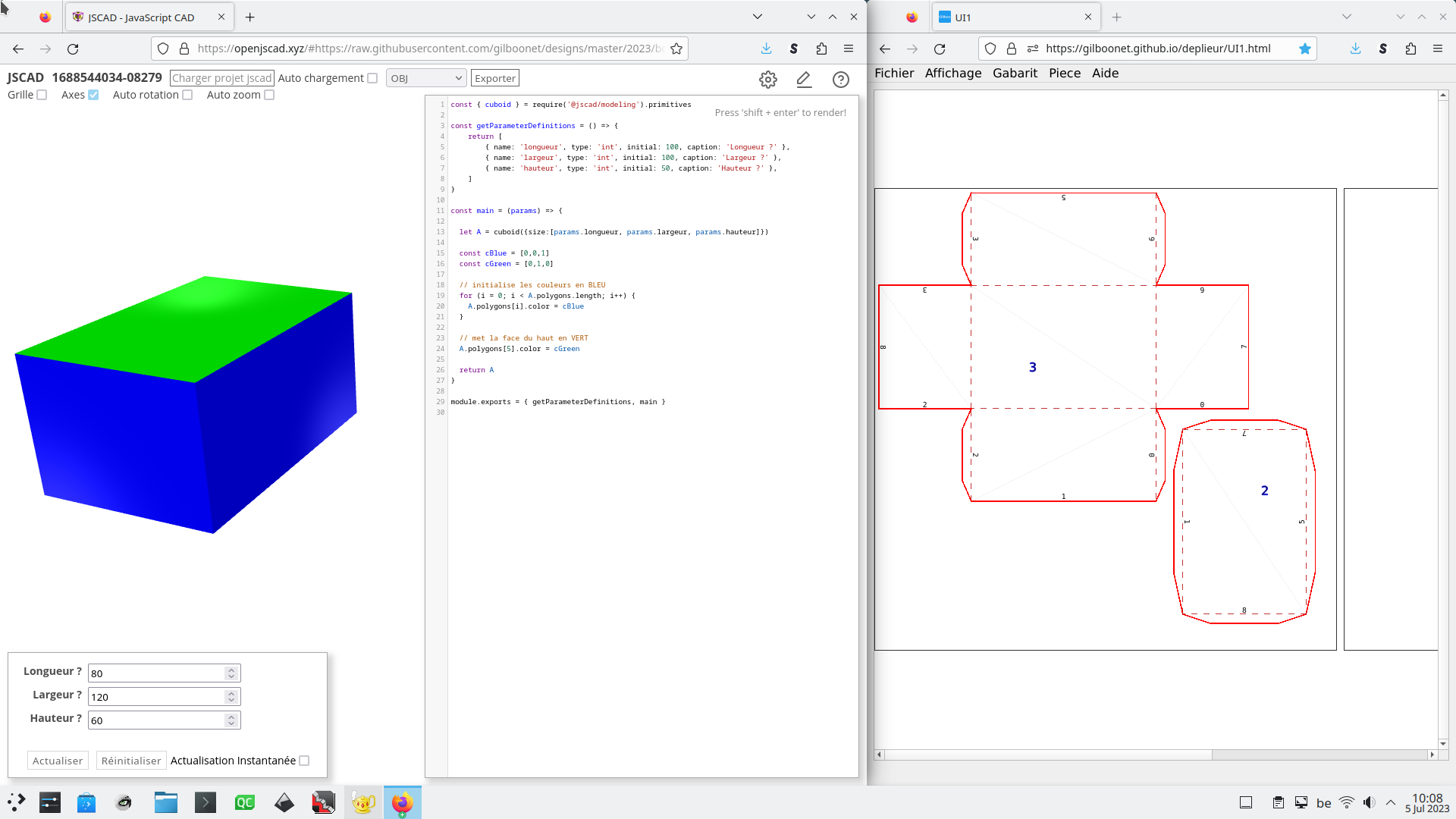
    @gilboonet cool, combining it into single app would be awesome one day
  • How about a new design?

    2
    0 Votes
    2 Posts
    1k Views
    hrgdavorH
    @z3dev I periodically mention discord channel to ppl, so we could from time to time also mention this forum to users on those git tickets.
  • Use case issues

    2
    2
    0 Votes
    2 Posts
    1k Views
    gilboonetG
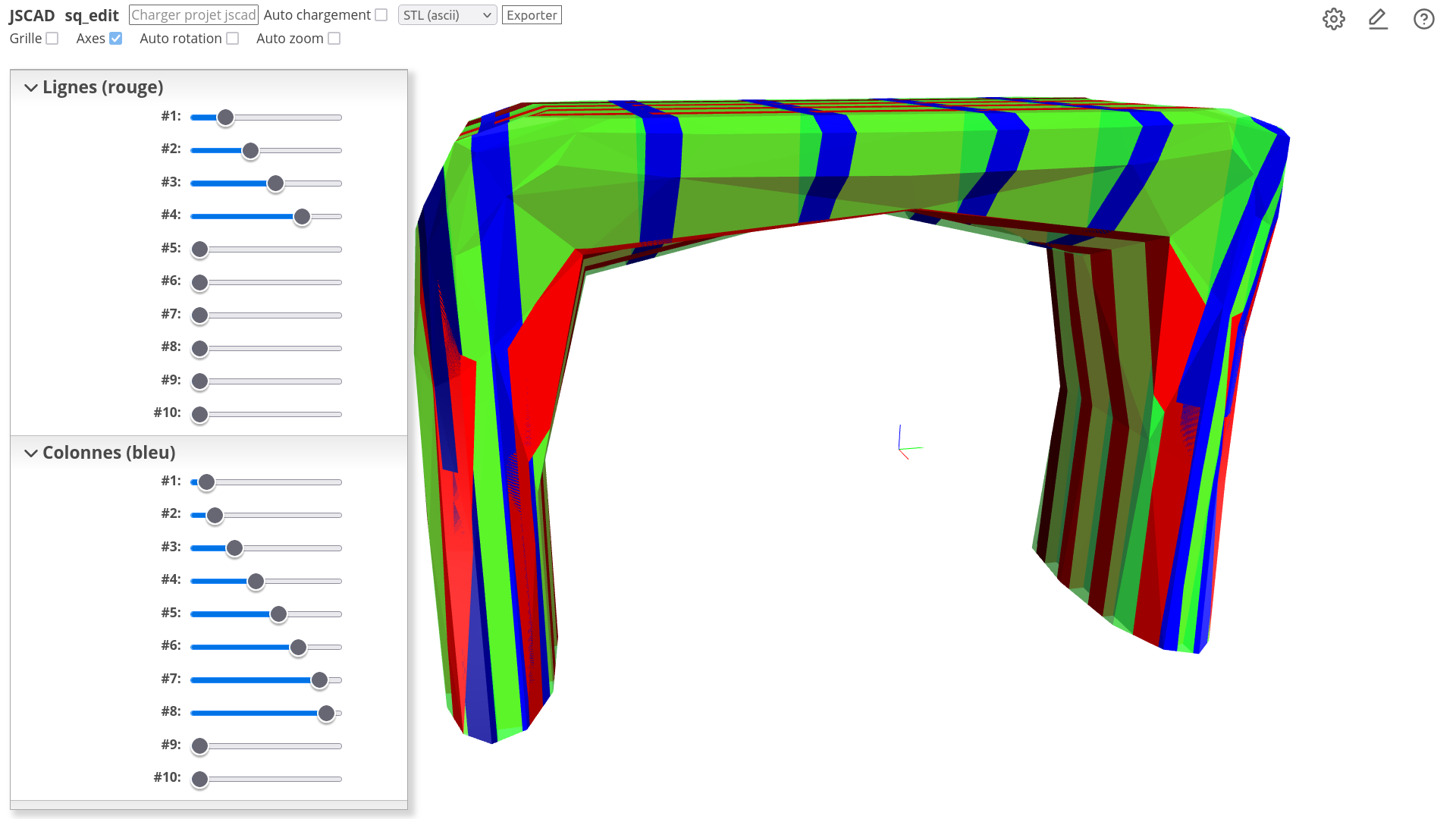
    Thanks to the browser cache I was able to run the script again and it already had all values loaded and I only needed to change the slider that was badly positioned.
  • export colored model to .obj

    6
    2
    0 Votes
    6 Posts
    2k Views
    hrgdavorH
    @gilboonet vool . Nice to see it working
  • Getting values from a geometry

    3
    0 Votes
    3 Posts
    1k Views
    gilboonetG
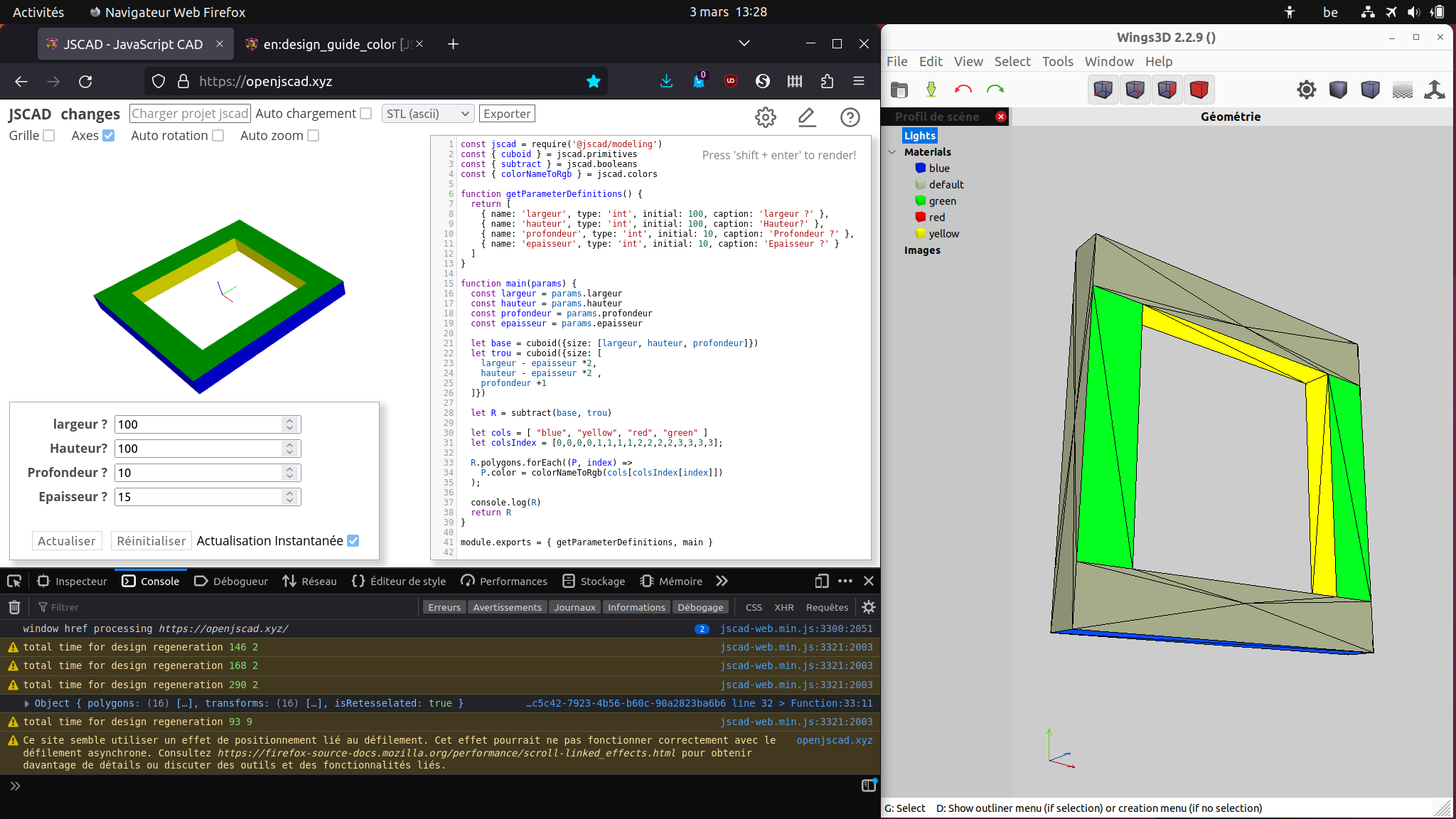
    @z3dev I finally resolved it by not using transforms and directly compute the center of the rectangles, that way the geometry sides were ok without any need to transform. I hope to be able to reuse that code for same kind of simple designs. [image: 1678010657825-capture-d-%C3%A9cran-du-2023-03-05-10-58-47.png]
  • How to use vec2/3 classes

    3
    0 Votes
    3 Posts
    1k Views
    z3devZ
    @gilboonet the example looks fine. You can create, rotate, transform all the math objects.. Now comes the fun part... curves, distances, etc. There are little tidbits of logic throughout the library. You can find some of the basic calculations in the primitives, I.e. arc, circle, sphere, etc. And of course, let us know if you have questions.
  • Designing with text

    12
    1
    0 Votes
    12 Posts
    3k Views
    gilboonetG
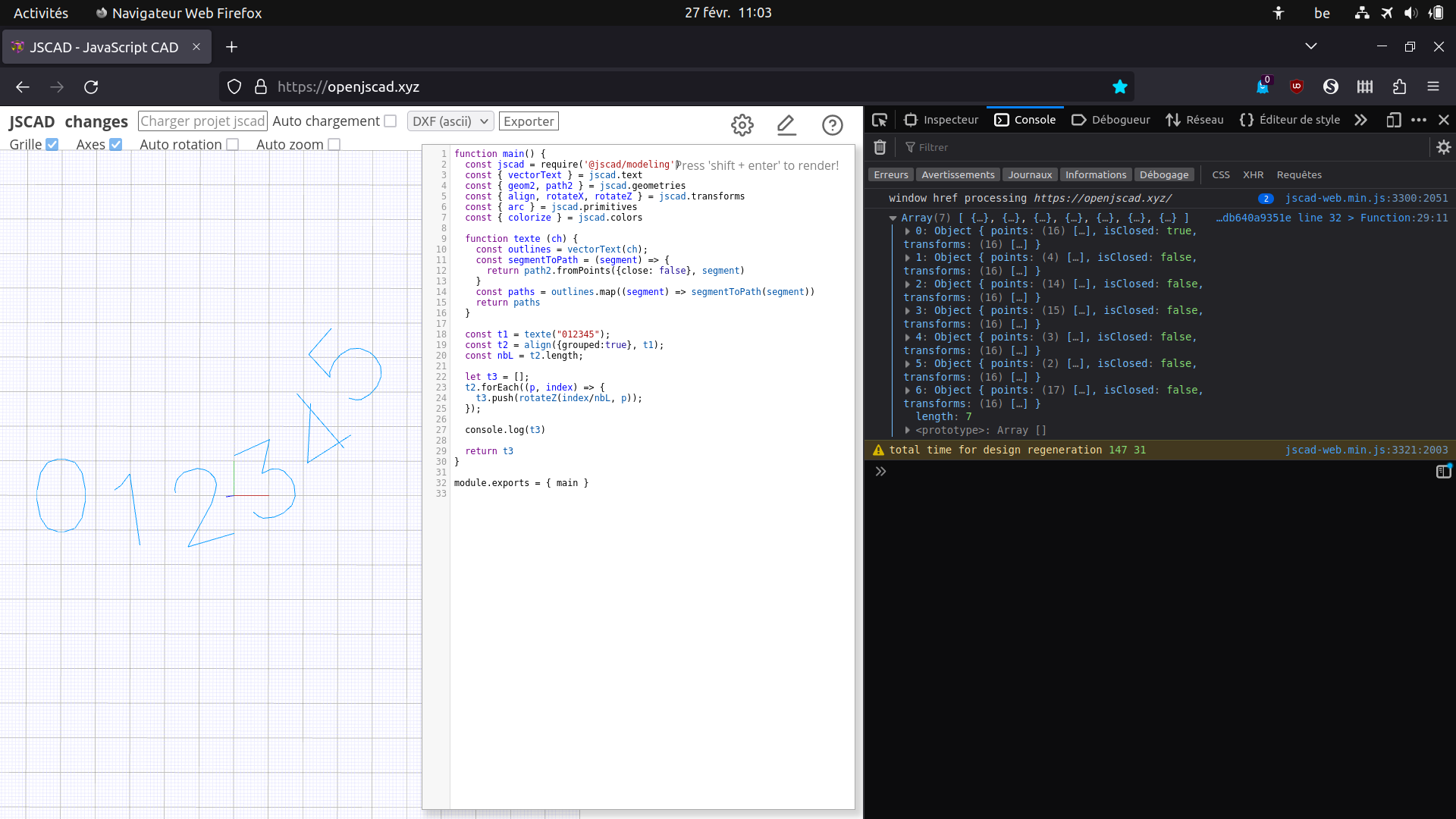
    @hrgdavor That would be great. For the moment I'm certainly going to try to do the same thing using svg into vanilla js.
  • Transform a 2D rectangle to a L shape

    8
    0 Votes
    8 Posts
    2k Views
    Antoine GuillaumeA
    @z3dev Bonjour, j'ai bien réussi à créer cette forme avec les "paths / expand / offset". mais cela me pose beaucoup de problèmes pour la suite, à savoir, le positionnement des perçages. En effet c'est compliqué car l'angle de pliage peut varier en fonction des utilisateurs. J'ai trouvé une fonction OPENSCAD qui effectue exactement ce que je souhaite. Est-il possible de mettre cela en place sur JSCAD https://www.youtube.com/watch?v=3xTjyYKtv4A Je n'arrive pas bien à comprendre la logique de son code qui est "en vrac" dans la description de la vidéo. Je vous remercie pour le temps que vous consacrerez à ma demande.
  • JSCAD preview faster than "same" model OpenSCAD preview

    2
    1 Votes
    2 Posts
    2k Views
    z3devZ
    @Hermann-SW Thanks for all the super insights to your designs. It has been great to see you continue and improve the designs, and finally have a great base for more designs. I haven't seen anyone compare JSCAD to OpenSCAD viewers. We continue to improve the viewer (and modeling library) so it's really nice to have some complements. We have had some recent performance improvements, based on @platypii and @briansturgill changes. And we have more planned ahead.
  • How to generate JSCAD model in browser JS and display like demo.html?

    7
    0 Votes
    7 Posts
    3k Views
    Hermann-SWH
    @hrgdavor I tried that with openjscad.xyz and it did not work. But it does work with locally hosted demo.html ! Thanks, until now I had browser console open right, editor in middle and only half of 3D view left. After drag and drop, I can close the editor and see new graphs whenever I run node.tetra.js to produce a different x.jscad. So much easier to work now ...
  • JSCAD for planar graph embeddings onto (unit) sphere

    10
    0 Votes
    10 Posts
    3k Views
    Hermann-SWH
    I implemented optional JSCAD output for planar graph playground "node.tetra.js", details here: https://forums.raspberrypi.com/viewtopic.php?p=2030546#p2030546 Until now I played with C20 hand edited for JSCAD, this is newly created C60 fullerene with 60 vertices and 90 edges: https://www.openjscad.xyz/?uri=https://stamm-wilbrandt.de/en/forum/JSCAD.C60_vtype.js More vertices and edges than for C20, but design regeneration still done in less than 10 seconds on Intel it Linux Chrome! [image: file.php?id=56198]
  • Problem with "subtract()"ing "hull()", is this a bug?

    4
    0 Votes
    4 Posts
    2k Views
    Hermann-SWH
    Forgot to post the "answer" link for viewing in browser: https://openjscad.xyz/?uri=https://stamm-wilbrandt.de/en/forum/A.JSCAD.vertex_edge2.sp_tria.js