Video of an integrated tool (from 2016) using OpenJSCAD v0.4
-
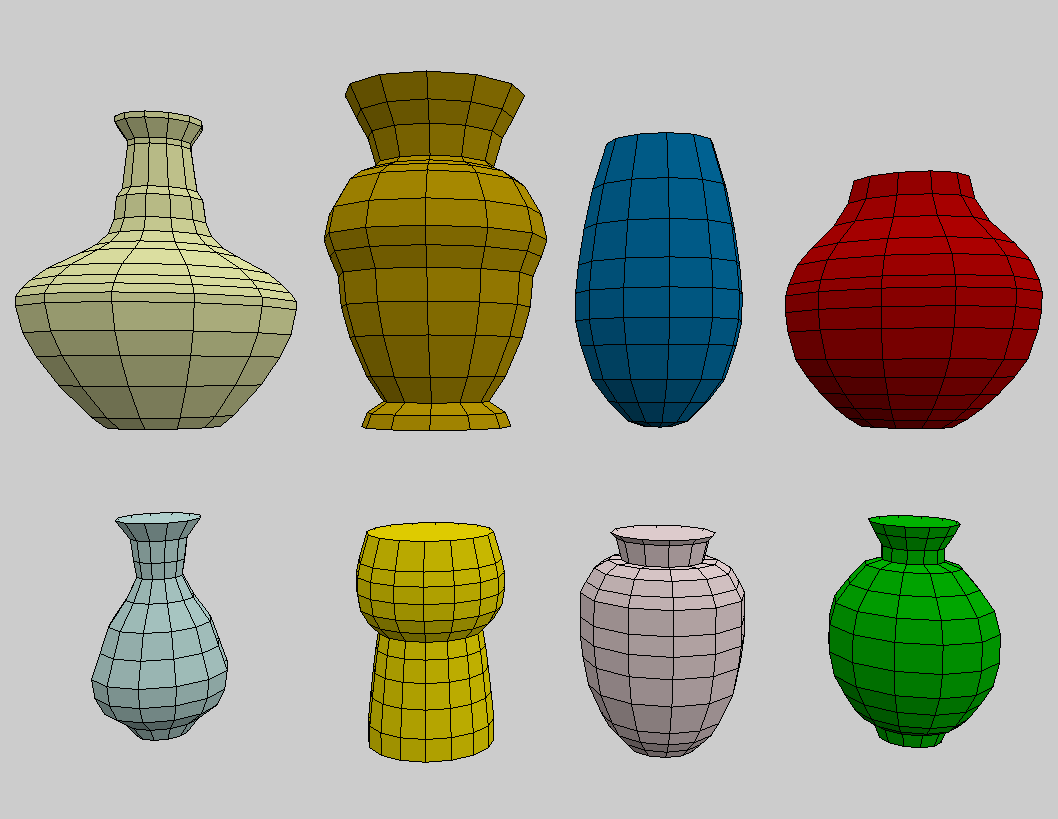
Hello, here's a video I made yesterday to show how to make simple vase models from their profile. It uses a very old JSCAD version, v0.4, but as it works perfectly, I'm still using it. I'm pretty sure this can be done with current v2 version, but the handiness provided by the integration of the Simple Polygon Editor that feeds a parameter is something that is too complex (for me) to handle to convert it.
Link to the video
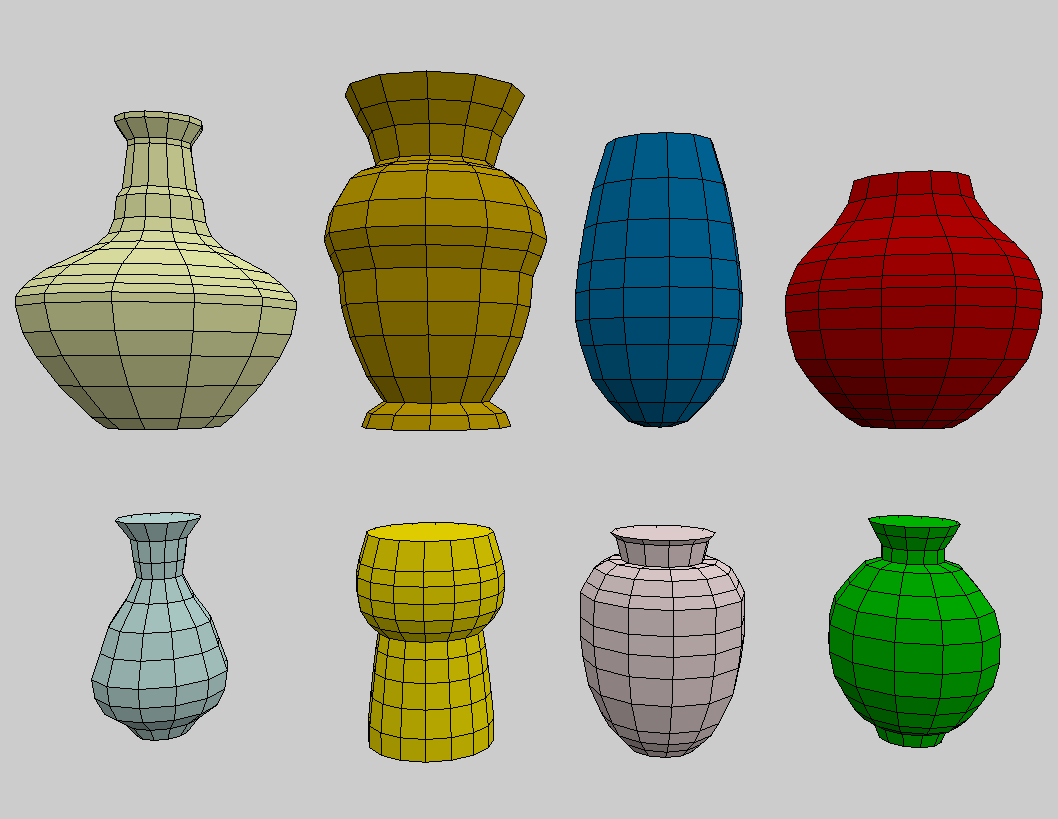
examples made with the editor
-
@gilboonet for the V2 version, you could start from the demo.html found in the regl-renderer package. i think you would be able to reassemble this very quickly.

-
@z3dev Thank you, I used demo.html to make an animation from still images of a rendering, but didn't though it could be used to make an online application. I will give it a try because if I remember correctly, V2 surface of revolution (rotate extude) allows more powerful things than v1.
-
@gilboonet
Hello, I watched this video. There is a point selection function in the video, I only need to do a two-dimensional dimensioning function. What I want to know is how the click function in the video maps the click position of the mouse to the coordinates in the coordinate system? I did not succeed in mapping.
Because when the canvas moves, the origin of the coordinate system and the origin of the canvas are not the same.
can you help me? Maybe I need some knowledge of graphics. -
@jess-yan Hello, the point selection is made with an external tool, Openscad Simple Polygon Editor. I modified it so that I could use it along with OpenJSCAD. But it was with a very old version and with v2 I don't see how to do the same.



Hello! It looks like you're interested in this conversation, but you don't have an account yet.
Getting fed up of having to scroll through the same posts each visit? When you register for an account, you'll always come back to exactly where you were before, and choose to be notified of new replies (either via email, or push notification). You'll also be able to save bookmarks and upvote posts to show your appreciation to other community members.
With your input, this post could be even better 💗
Register Login