Can a html5 app running jscad retrieve rendered (processed) data ?
-
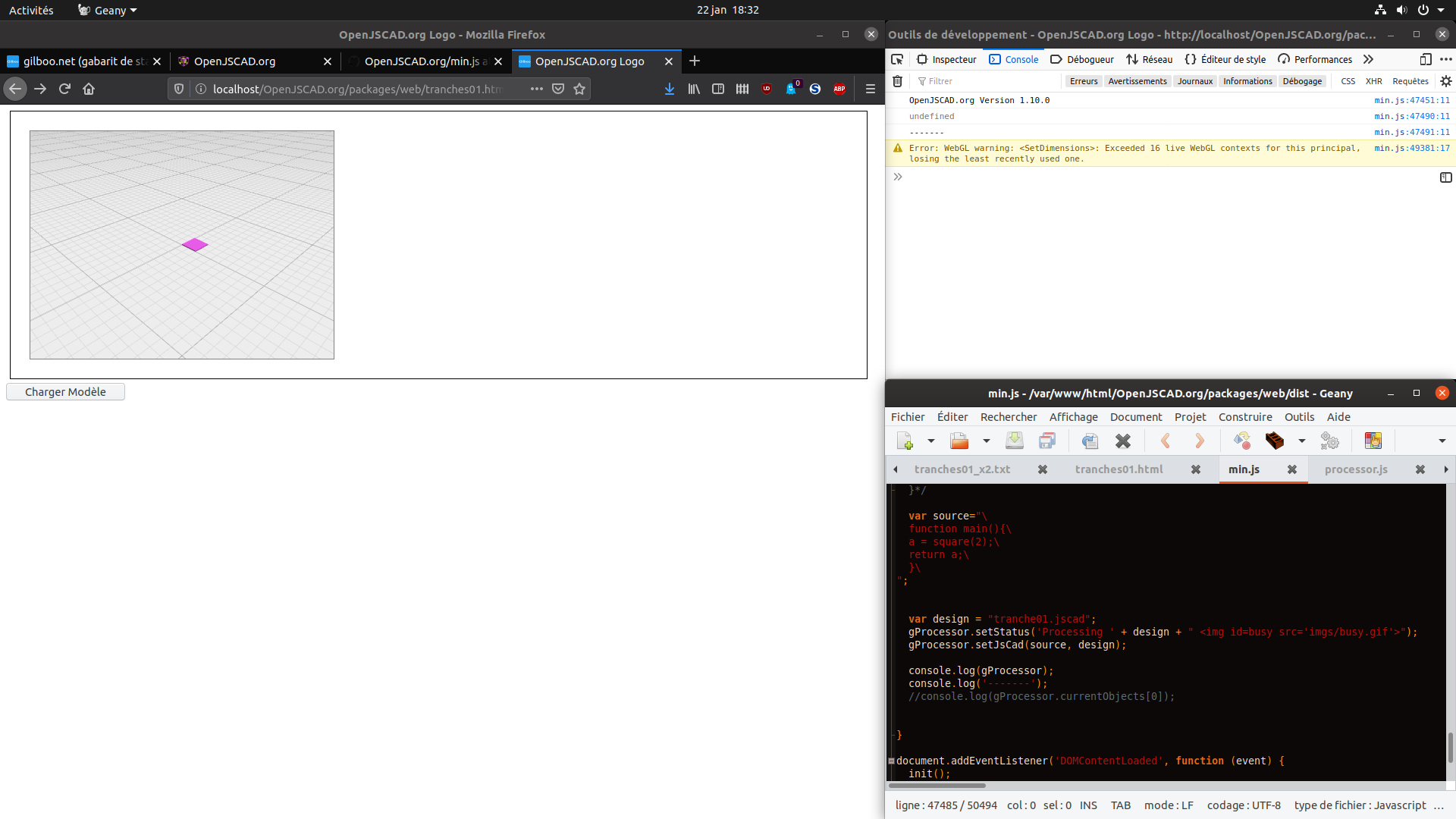
Hello, I'm starting a website where I show my digital crafting processes, so visitors could produce usable patterns. At first I put links to jscad.org loaded with my hosted scripts, but sadly I was not able to produce usable 2d outputs with jscad. I built a small html5 app that generate a multi page pdf with shapes to cut and numbering to trace. But the manual process (the volume to process must be first imported to jscad, copy and paste to the crafting script that is rendered, calculated data are placed on the browser console, where they need to be copy and paste to a file, then the file is opened on the html5 app that generates the pdf) is not user-friendly (sorry for this long introduction). I'm now trying to make a little html5 app from viewer-minimal.html
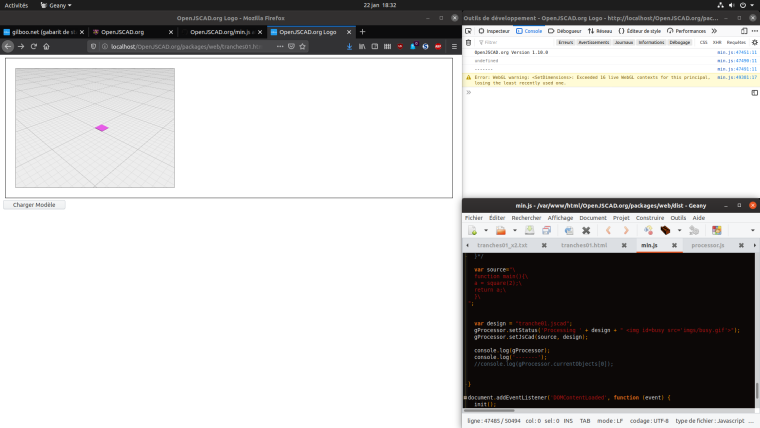
I cannot get gProcessor.currentObjects on my script even if I can see it by inspecting gProcessor ? Is there a way to get returned data ? On my crafting script, I already have a data array filled with what I need to build the pdf file, is there a way to get data from a jscad script that is not into currentObjects ? I tried to use properties.myProperties.mydata but with no success. Would you recommend to start using V2 to do such development ? (my site (in french) is here : https://gilboonet.github.io/#M4 ) -
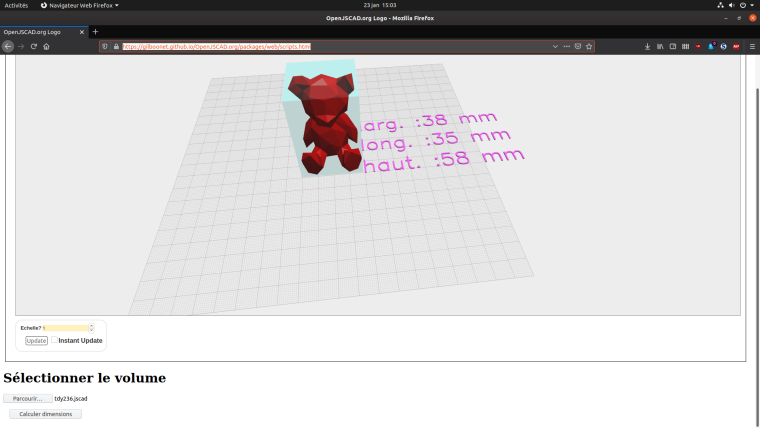
To better explain what I am trying to do, I put a little app here : https://gilboonet.github.io/OpenJSCAD.org/packages/web/scripts.html
It needs to browse ("parcourir..." button) for a .jscad file that it opens and render,
then a click on the other button ("Calculer dimensions") creates code by :- renaming "main()" to "volume ()" on the opened .jscad file
- add that code to my jscad code that uses volume() to do something with (give volume dimensions).
- then run gProcessor.setJsCad(source, 'differenceP.jscad'); where source contains the code described before.
My question is : is it possible to retrieve the returned geometries and/or other data (here the dimensions), so that my html5 app can use them ? Very nice things would be to be able to get that from DOM, otherwise an export as JSON.
-
I made a video showing the process as it is now, you choose a .jscad script with the volume, then a second .jscad script that will use that volume. On the video, the second script slices the volume and write data to the console that must be copied. Then the second app is fed with those data and creates a multi page pdf from them. What I'm trying to do is do all into one app.
-
I finally succeeded using localStorage. A little trouble is that I needed to protect the code using localStorage with a try..catch because even if it works it fires an jscad error. I hope to do the same using V2 as soon as possible.
-
@gilboonet Welcome again! Cool little site.

This is the first time that someone wants to plug into the results of the processing. It may be possible with V2 as there's more flexibility internally. If you have time, can you open a new issue for this? It would be better to track the progress via the issues.
-
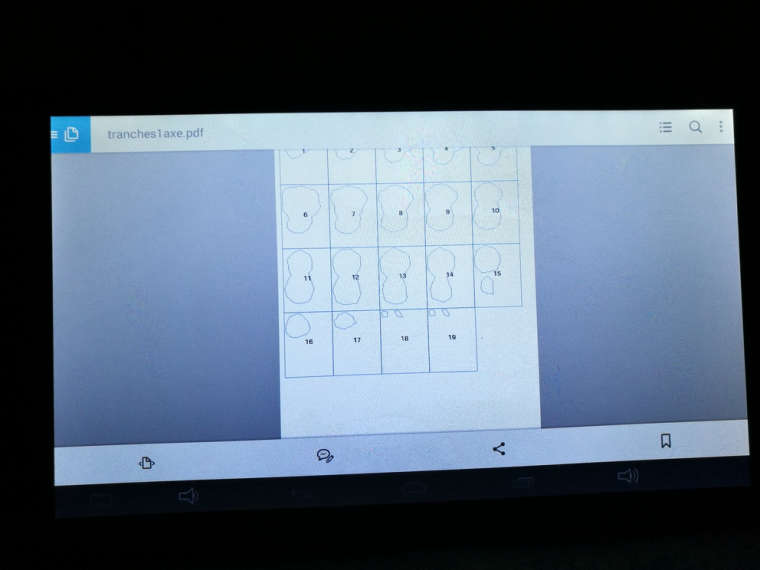
@z3dev Hello, I didn't open an issue because it's V1, but I will do it so we could keep track of the solution I used. Yesterday I tried my little html5 app on my android tablet with Firefox and it works perfectly
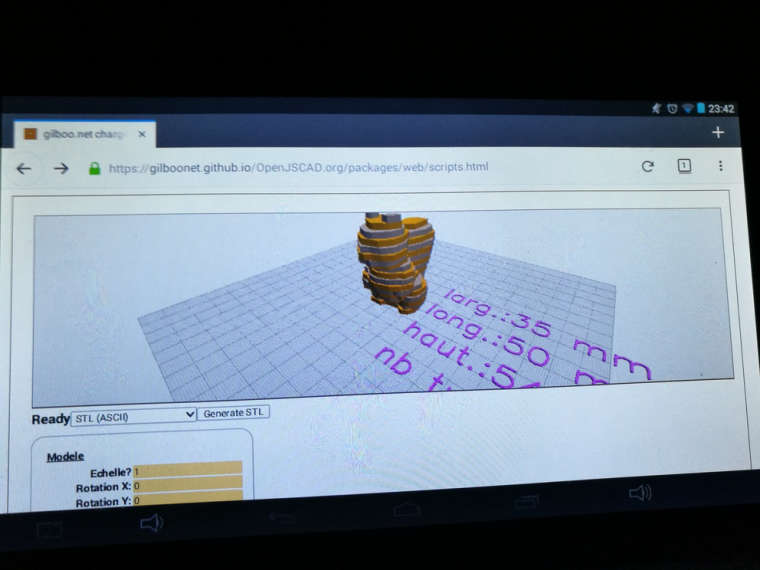
even the PDF creation part


Hello! It looks like you're interested in this conversation, but you don't have an account yet.
Getting fed up of having to scroll through the same posts each visit? When you register for an account, you'll always come back to exactly where you were before, and choose to be notified of new replies (either via email, or push notification). You'll also be able to save bookmarks and upvote posts to show your appreciation to other community members.
With your input, this post could be even better 💗
Register Login