little V2 feedback
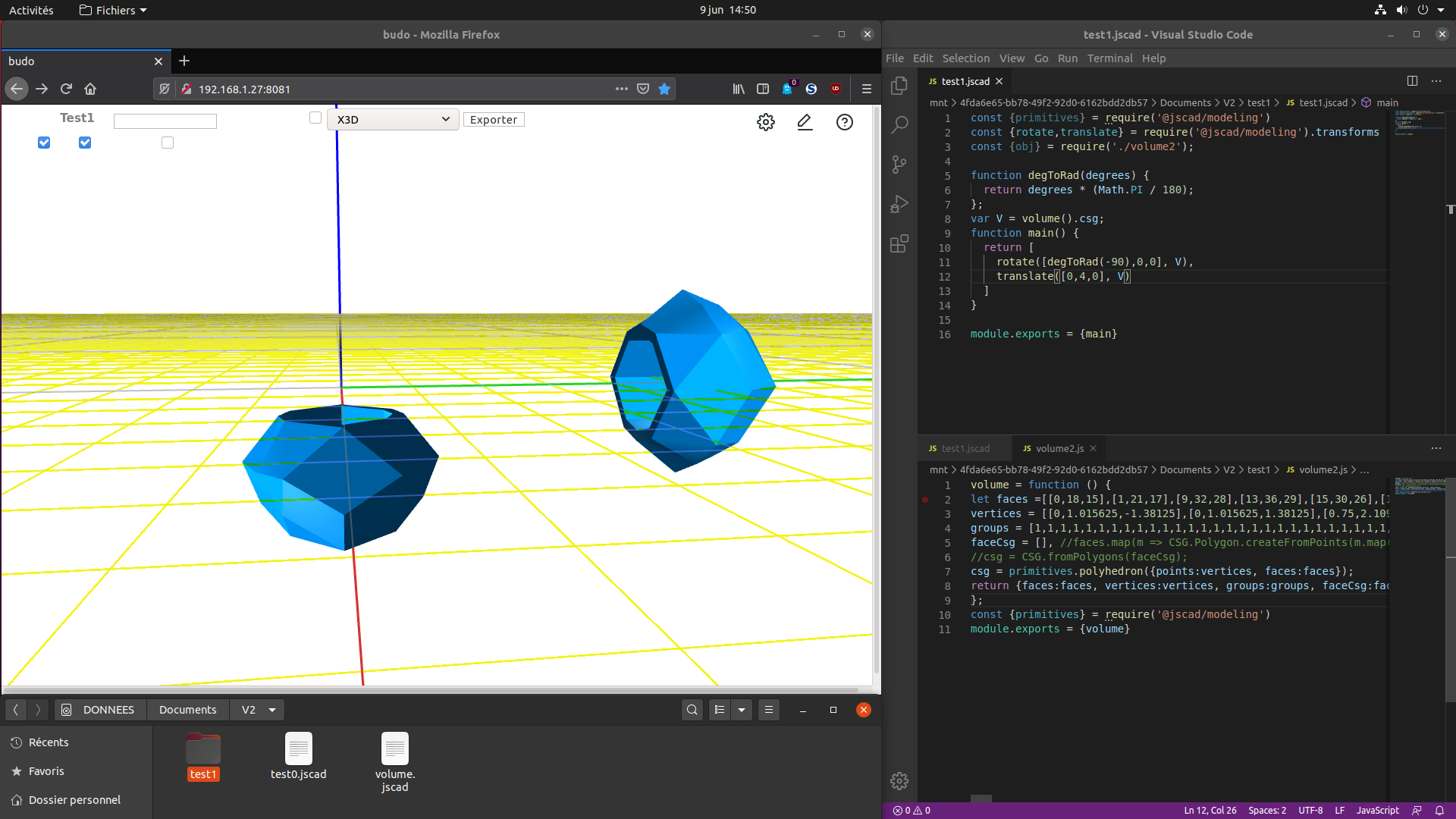
-
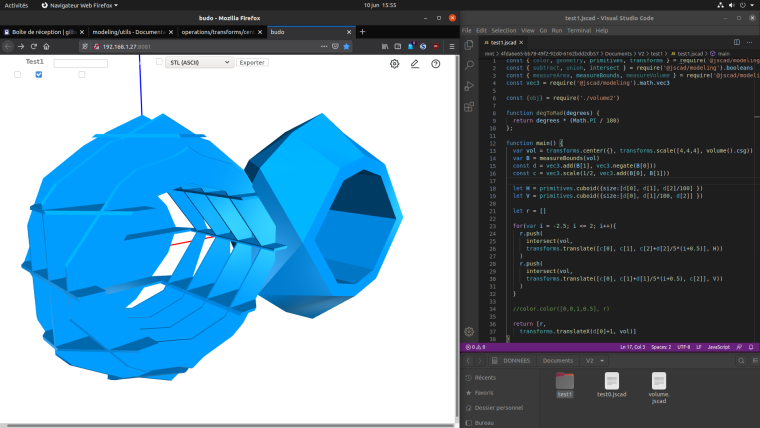
What is difficult is to know what requires are needed, so I try to make them as large as possible.
In the future, I will certainly try to put utility functions like degToRad into a library.I didn't find vec3.minus(), vec3.times, so I used respectively add and scale to replace them.
Functions like translate or size attribute of a primitive that need an array doesn't accept a variable containing an array but only a litteral array. Are there coding basics to know to work with vec3/vec2 ?
I wasn't able to use color library, and the generated doc about modeling/color is empty, so maybe it is not available for the moment, or did I miss something during installation ?
-
@gilboonet thanks for the nice feedback.

FYI, you can generate documentation as well, if you need some documention on the new functional API.

npm run docsAnd open 'index.html' found in the 'out' directory.
-
@gilboonet said in little V2 feedback:
I wasn't able to use color library, and the generated doc about modeling/color is empty, so maybe it is not available for the moment, or did I miss something during installation ?
Ooops! There's a little name issue in the documention. Will be fixed soon.
-
@gilboonet said in little V2 feedback:
Functions like translate or size attribute of a primitive that need an array doesn't accept a variable containing an array but only a litteral array. Are there coding basics to know to work with vec3/vec2 ?
You should be able to do this...
let mysize = [2, 3, 4] let myshape = primitives.cuboid({size: mysize}) -
@z3dev To color I use colors.colorize([r,v,b,a], geom), read from the documentation. I generated it at the end of the installation process as it was the last step.
-
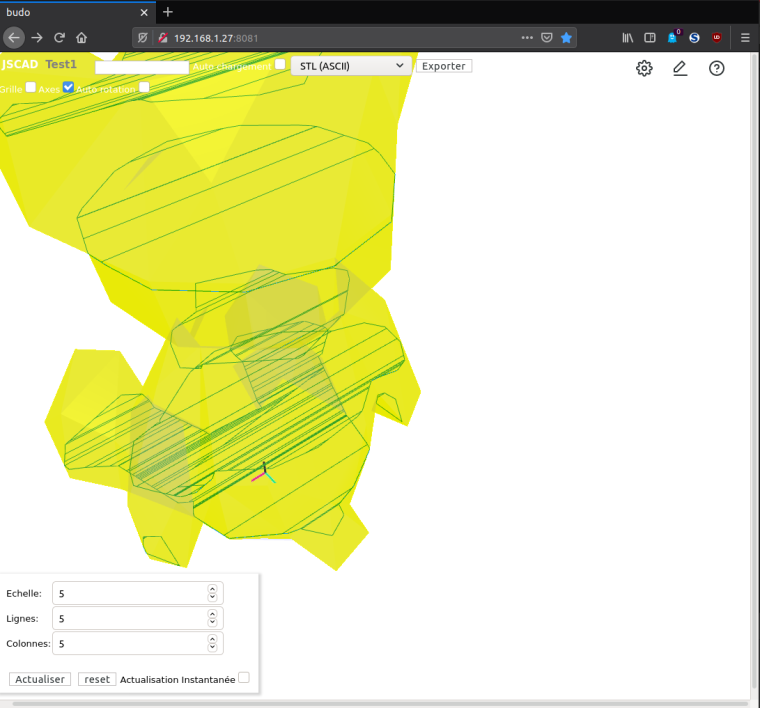 It's not something important, but on the top there are captions written in white that can only be seen when there's something on the background.
 -
@z3dev I tried to use a variable with translate and got
ERROR:
Error: offset must be an arraymy code is (last line)
var vol = transforms.center({}, transforms.scale(ech.fill(params.echelle), volume().csg))
  var B = measureBounds(vol)
  let d = vec3.add(B[1], vec3.negate(B[0]))
  let d2 = vec3.scale(1/2, d)
  //vol = transforms.translate([d2[0],d2[1],d2[2] ], vol)
  vol = transforms.translate(d2, vol)
It works with the commented line
-
@gilboonet nice example.
I understand now. Those vec3 functions return a Float32Array, which is NOT an Array.

For now, you can use ES6 javascript syntax to make things easier.
vol = transforms.translate([ ...d2 ], vol)By the way, the latest V2 branch has a fix for the documentation on colors.
-
@gilboonet are you using the 'dark' theme?
yeah. there's still some issues in the web UI.
-
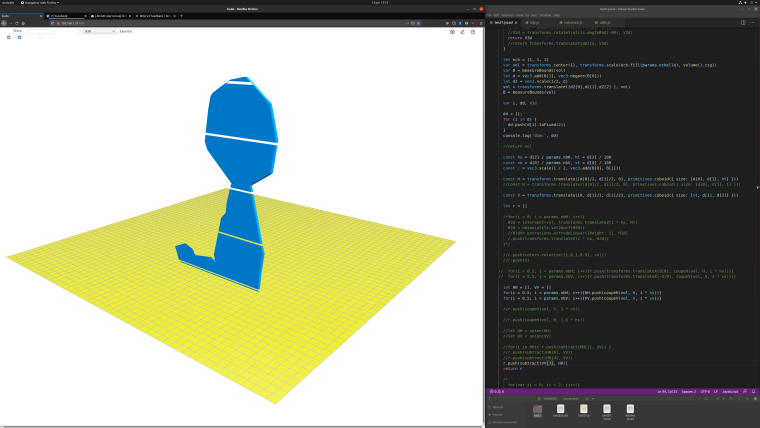
@z3dev Yes, I'm using the dark theme (even if it's not working now). I'm on a 4K screen and V2 runs nicely. I drag & drop my project folder to run it, it always work (on 2K resolution, lots of time it shows the folder contend instead of running it). But after some drags & drops, the parameters window disappear.
(capture of 4K screen)
I'll try to run npm run docs to update the docs.
I'm trying to code my 2 axis interlock slicer on v2, but there are some troubles with my 3d->2d projection code with complex models, so I'm digging the code looking for anything that could help on projection, outline.
-
@z3dev I update the docs with "npm run docs" and now documentation about color is available.


Hello! It looks like you're interested in this conversation, but you don't have an account yet.
Getting fed up of having to scroll through the same posts each visit? When you register for an account, you'll always come back to exactly where you were before, and choose to be notified of new replies (either via email, or push notification). You'll also be able to save bookmarks and upvote posts to show your appreciation to other community members.
With your input, this post could be even better 💗
Register Login