How to use same script with different targets ?
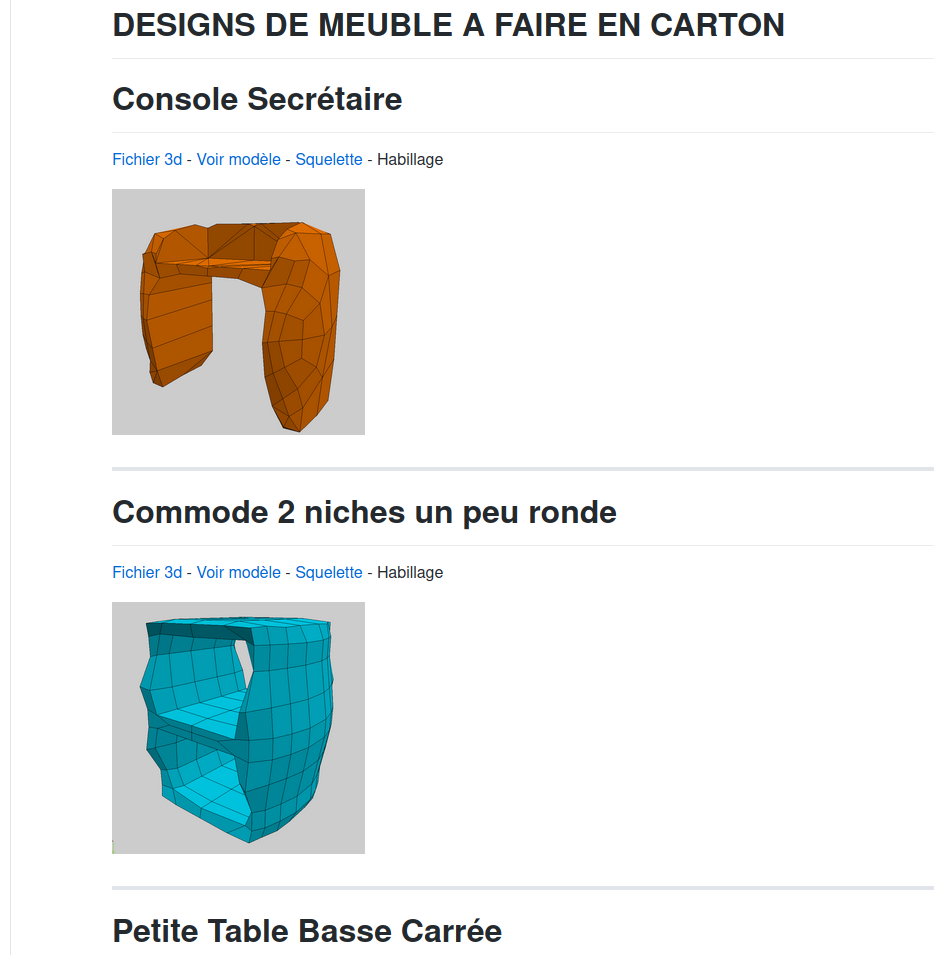
-
Hello, I'm deploying crafting resources on design section of my github account, and to do so I share several furniture designs, I have about 10 now, but I have lots more to add. For each of them I share the 3d model and links to open jscad scripts with them. I currently have almost the same using v1 and I wrote an html/js page to create jscad code with the good script and the good 3d model. I don't know how to do that with v2, so I'm trying something else.
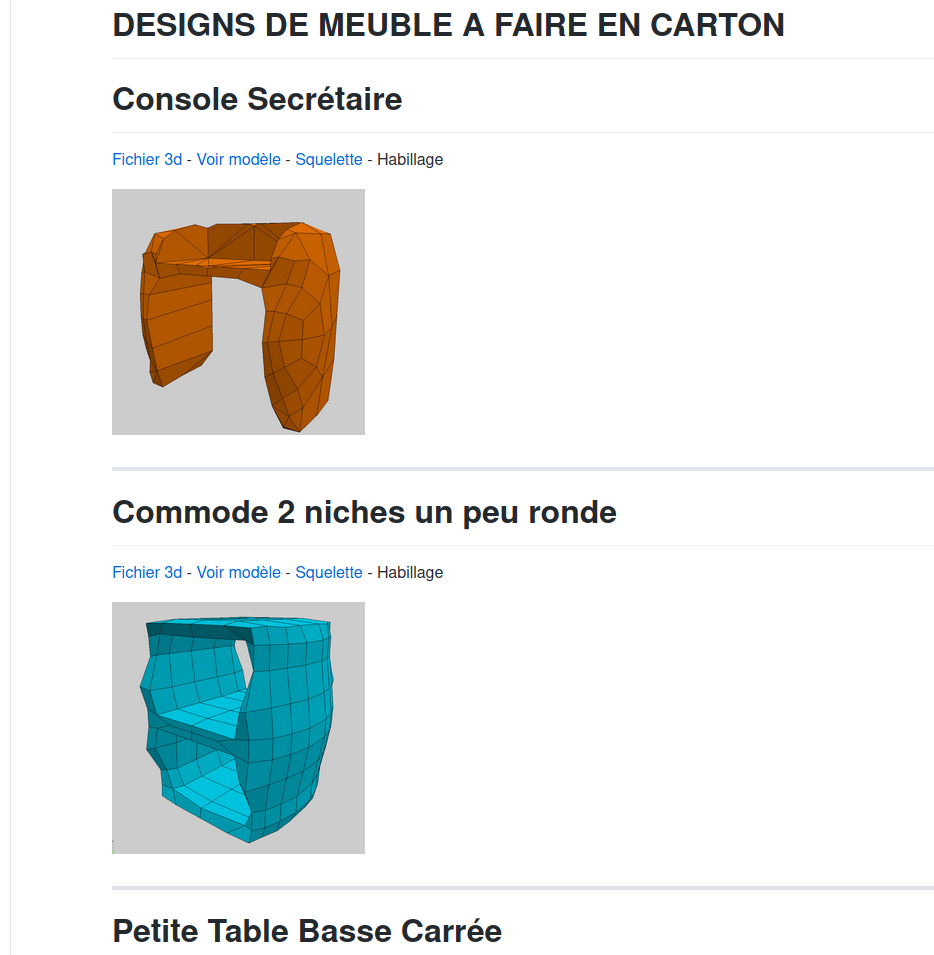
( can be seen here : https://github.com/gilboonet/designs/blob/master/MEUBLES/readme.md )
For each design there's :
- direct link to the 3d model ("Fichier 3d" link)
- link to view the 3d model with online 3d viewer ("Voir modèle" link)
- link to my jscad script for skeleton 2 axis slicing with the 3d model
- (and to come link to my html/js unflatten application)
I would like to replace the link to online 3d viewer by a link to a jscad script where it would be possible to rescale it, and show its dimensions, but the only solution that I have in mind is to write a script for that, and duplicate it for each 3d model. It's already what I am doing for the skeleton script.
Do you think that for such case, I mean choose a model then a script to apply on it, there could be a mechanism. Locally I already use dynamic require from a text parameter and it works well, but on remote script I didn't manage to make it work. Maybe is there a way to run a script from a remote folder ? or a way to require an url ?
-
@gilboonet nice work.
fyi, the jscad.xyz website can also accept links to external formats.
https://www.jscad.xyz/#https://raw.githubusercontent.com/gilboonet/designs/master/MEUBLES/0001.obj
-
@gilboonet said in How to use same script with different targets ?:
Do you think that for such case, I mean choose a model then a script to apply on it, there could be a mechanism. Locally I already use dynamic require from a text parameter and it works well, but on remote script I didn't manage to make it work. Maybe is there a way to run a script from a remote folder ? or a way to require an url ?
No matter what you try, a website cannot 'dynamically' load resources (scripts) from other external websites. There are many things that will bite you if you try. Browsers execute in a very tightly controlled work space, and only user interactions (drag and drop, etc) allow access to external resources. Everything else has a fence around it.
The www.jscad.xyz website allows the use of hash (#) and query (?) parameters to pass a URL, but that must be a URL to a single file. And, as you probably already know, there's a backend piece that downloads the file, and presents it back to the website.
Sorry. But currently, the only way is to 'pack' all the pieces into a single file.
-
@z3dev Thank you for your replies. That's good news that jscad accepts external formats, I will use it instead of this online viewer. I will certainly try do dig this further and try to make a little js/html wrapper to select target 3d model and script and pack them together into a script as I already do for v1 of my website tools. I will certainly change the static images by animated gif created using jscad regl-renderer demo, but what would be great would be to be able to directly use jscad to have those little views alive.
-
No matter what you try, a website cannot 'dynamically' load resources (scripts) from other external websites. There are many things that will bite you if you try. Browsers execute in a very tightly controlled work space, and only user interactions (drag and drop, etc) allow access to external resources. Everything else has a fence around it.
Actually, git gists have Allow-Origin headers so external include from github gist would work.
I actualy created a small jscad file that loads @gilboonet script and dump s it in the console,
the issue then how to execute it and trigger re-renderconst jscad = require('@jscad/modeling') function main(){ return sphere(); } fetch('https://raw.githubusercontent.com/gilboonet/designs/master/MEUBLES/sq_ed0001.js') .then(r=>r.text()).then(text=>console.log('js file',text)) module.exports = {main} -
@hrgdavor Thank you for your code, it would be great to be able to load code and data like that then fire it. I hope it will be possible, with v1 I used gProcessor.setJJsCad() on an html/js app but here it is directly a jscad script.



Hello! It looks like you're interested in this conversation, but you don't have an account yet.
Getting fed up of having to scroll through the same posts each visit? When you register for an account, you'll always come back to exactly where you were before, and choose to be notified of new replies (either via email, or push notification). You'll also be able to save bookmarks and upvote posts to show your appreciation to other community members.
With your input, this post could be even better 💗
Register Login