• Contributions to JSCAD

    Announcements
    3
    0 Votes
    3 Posts
    849 Views
    z3devZ
    I'm glad to announce that another new monthly contributor has joined. Welcome, @TargetedwebT. And thanks a lot for the support!
  • V2 feedback

    Development Discussions
    9
    0 Votes
    9 Posts
    3k Views
    gilboonetG
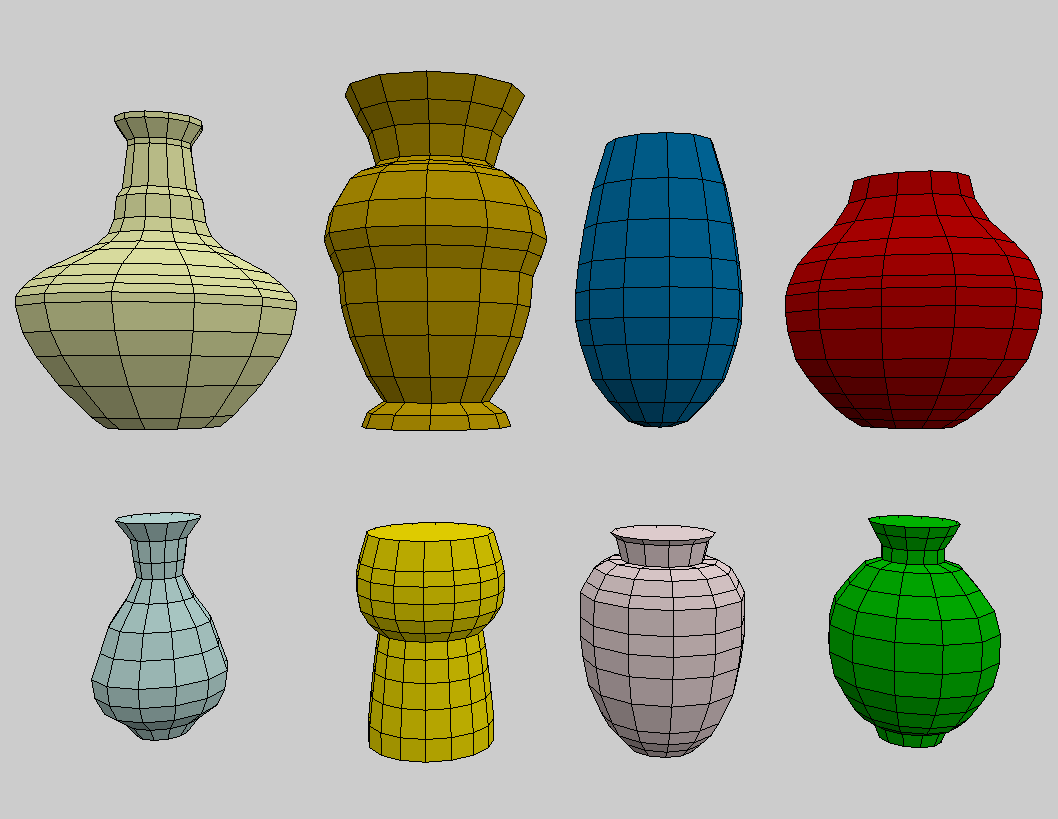
    @hrgdavor Thank you, that's very nice. It's not that I like folding things but it's a process I use to build them with cardboard
  • Release : 2021 OCT 17

    Announcements
    1
    0 Votes
    1 Posts
    389 Views
    No one has replied
  • 0 Votes
    1 Posts
    473 Views
    No one has replied
  • proxyUrl setting

    General Discussions
    14
    0 Votes
    14 Posts
    4k Views
    H
    @z3dev I am using a rental server of general settings, nothing special, I think. I did no configuration of the web server. I did not changed anything on setting when installing the web site. Thanks to all of you related, I have uploaded the page. https://www.fablab-shinagawa.org/archive/index.html when you click "パラメトリック" - which means "parametric"- tab, you would see the list of our parametric designs, and again when you click a design, you would link to the page includes openjscad model.
  • using an exported STL into a script

    Design Discussions
    17
    2
    0 Votes
    17 Posts
    5k Views
    hrgdavorH
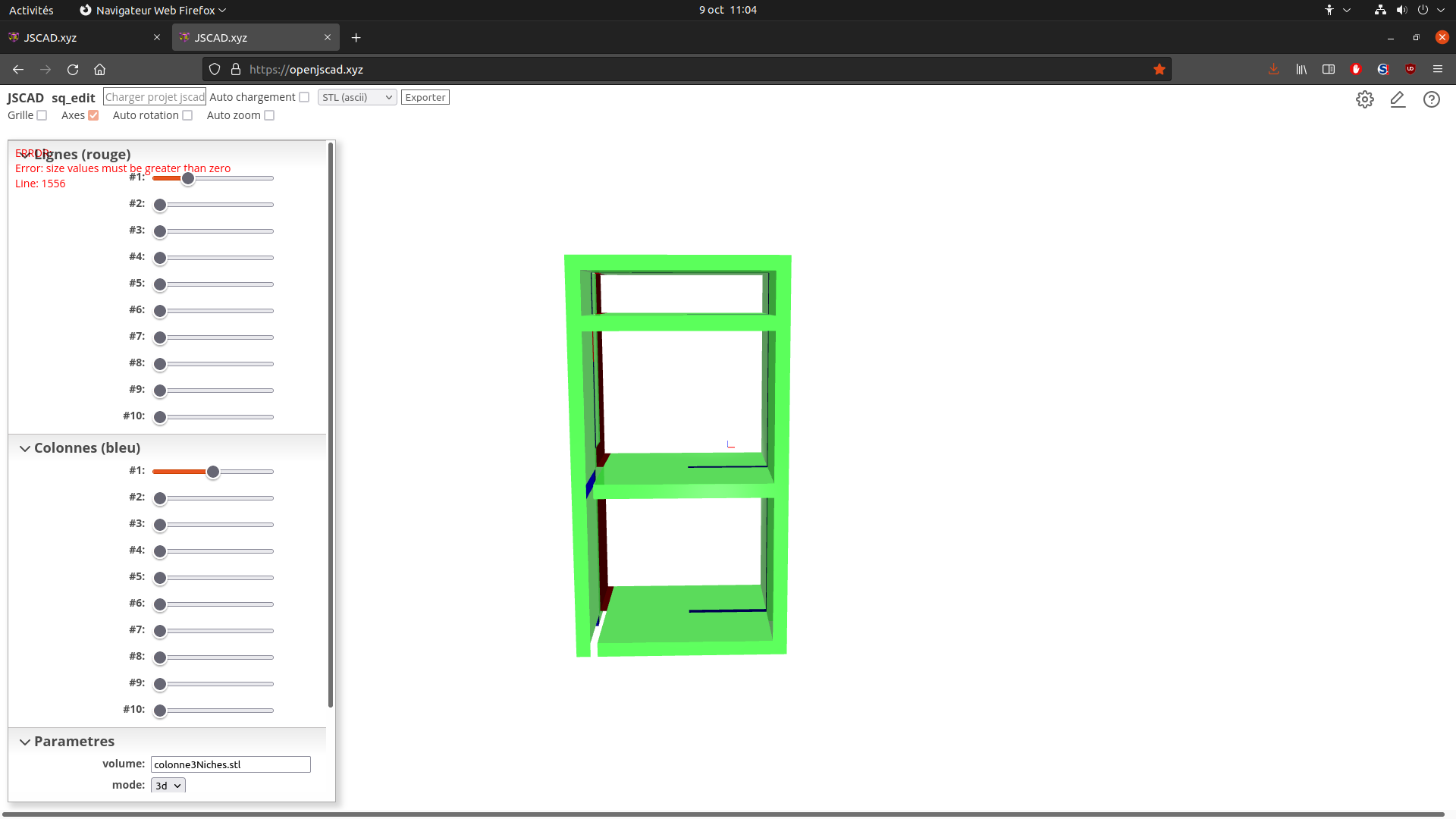
    this will soon be fixed https://github.com/jscad/OpenJSCAD.org/issues/935
  • 0 Votes
    5 Posts
    2k Views
    gilboonetG
    @jess-yan Hello, the point selection is made with an external tool, Openscad Simple Polygon Editor. I modified it so that I could use it along with OpenJSCAD. But it was with a very old version and with v2 I don't see how to do the same.
  • Release : 2021 OCT 04

    Announcements
    1
    2 Votes
    1 Posts
    657 Views
    No one has replied
  • Exporting format for CNCs

    General Discussions
    6
    0 Votes
    6 Posts
    2k Views
    Ion 0I
    Researching cnc workings better, seems like the conversion process is more involved and that DXF is a suitable format for generating CNC g-code from. DXF export from jscad is very reliable so far. thanks all for the replies
  • ScriptCAD.org

    General Discussions
    5
    0 Votes
    5 Posts
    1k Views
    hrgdavorH
    @jess-yan threejs has this ready-made somewhere(taking mouse point and returning meshes under it), I will most definitely post it on the forum here when I have this feature. This MAY require a shift away from how jscad works now, but hopefuly can be done with current jscad setup. The idea I have for now is to run a AST transform to inject line number information into the script and then run the modified script. This is something I am able to do, but I have other stuff in the pipeline before this
  • 0 Votes
    2 Posts
    960 Views
    jess yanJ
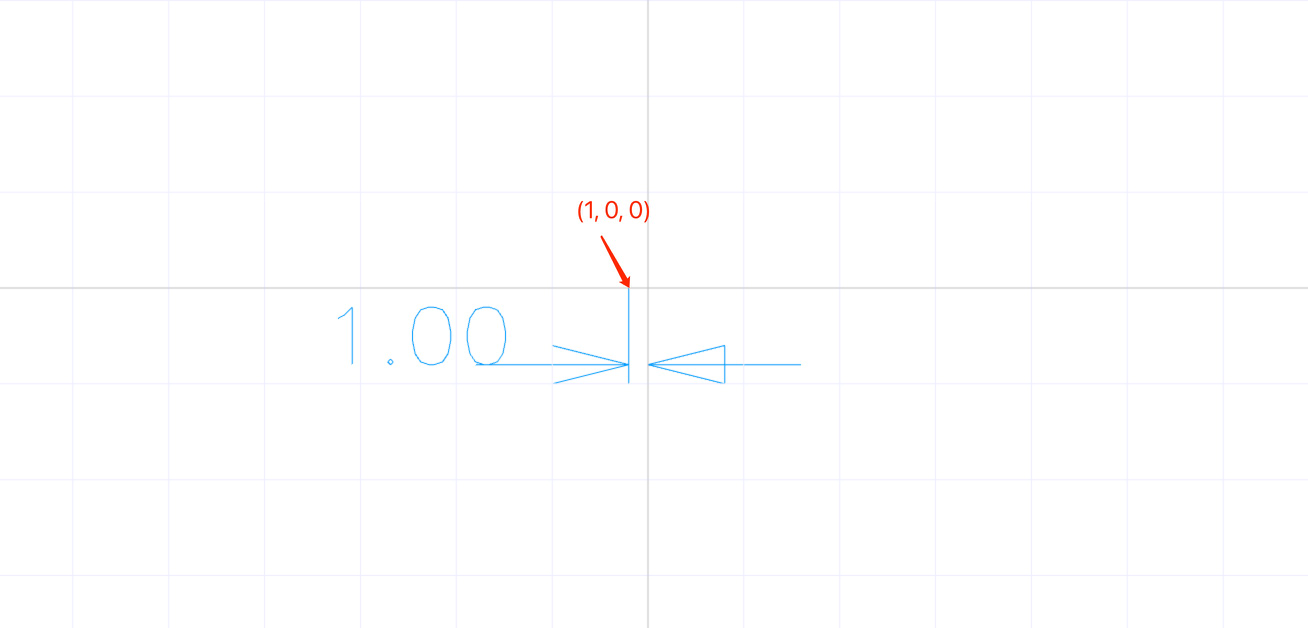
    I use camera-unproject to do coordinate mapping, but the obtained coordinates are obviously wrong. code: const regl = this.$el const handleMouseDown = (e) => { const x = 1 - (e.offsetX / regl.clientWidth) * 2 const y = (e.offsetY / regl.clientHeight) * 2 - 1 const point = vec3.fromValues(x, y, 0.5) const { projection, view, viewport } = this.camera const combinedProjView = mat4.multiply([], projection, view) const invProjView = mat4.invert([], combinedProjView) const result = unproject([], point, viewport, invProjView) console.log('convasSize: ', [regl.clientWidth, regl.clientHeight]) console.log('viewport: ', viewport) console.log('clickPoint: ', [x, y]) console.log('unproject result:', result) } this.$el.addEventListener('mousedown', handleMouseDown.bind(this)) [image: 1632904246061-4a0979ad-ef8d-4af6-80d6-b7a52f92e8f9-image.png] Could it be that I did something wrong?

  • A questions about project()

    Development Discussions
    3
    2
    0 Votes
    3 Posts
    1k Views
    jess yanJ
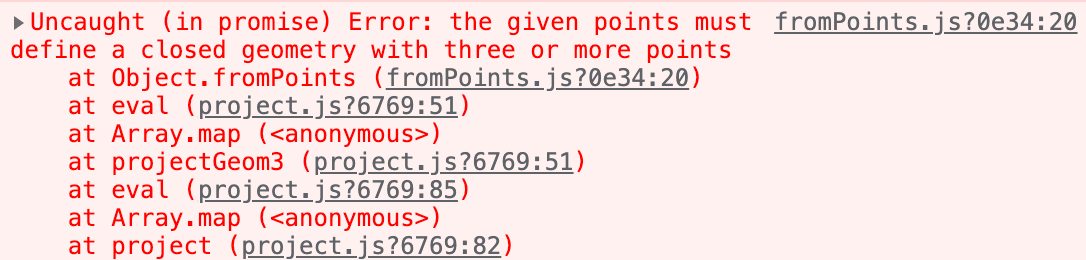
    @z3dev Ok, I have submitted an issue on github. https://github.com/jscad/OpenJSCAD.org/issues/916
  • Release : 2021 SEP 27

    Announcements
    1
    0 Votes
    1 Posts
    382 Views
    No one has replied
  • AutoCAD Text conversion fails

    Development Discussions
    2
    0 Votes
    2 Posts
    971 Views
    z3devZ
    @jess-yan DXF is a old nasty file format so don’t expect much. JSCAD only converts certain DXF entities. Please see the README here… https://github.com/jscad/OpenJSCAD.org/tree/master/packages/io/dxf-deserializer There’s a nice library that will convert from DXF to SVG. https://github.com/bjnortier/dxf
  • From .obj to .dxf

    General Discussions
    5
    0 Votes
    5 Posts
    1k Views
    Gorka ArakisG
    @z3dev Happy to hear it!
  • 3D glasses support

    Development Discussions
    1
    0 Votes
    1 Posts
    450 Views
    No one has replied
  • 0 Votes
    5 Posts
    1k Views
    hrgdavorH
    @z3dev @jess-yan yup. it is not implemented right now. But such feature has a lot more to consider to be implemented. It may be beneficial to start a discussion on git to see what would be expectation of such functionality and what it would take to implement it.
  • Problem with the website

    General Discussions
    5
    0 Votes
    5 Posts
    1k Views
    hrgdavorH
    @Honest-Guvnor It is fine to ask both here and on discord.
  • How to edit the converted model

    Development Discussions
    2
    0 Votes
    2 Posts
    774 Views
    z3devZ
    @jess-yan another good question! there's an issue with the internal logic of the WEB UI that prevents the 'script' to be shown. it's not that easy to fix either. you can use the CLI (command line) application to convert the DXF file to a script. you can find instructions on how to use the CLI in the README file at... https://github.com/jscad/OpenJSCAD.org/tree/master/packages/cli
  • Featured Model for CadHub

    General Discussions
    5
    1
    0 Votes
    5 Posts
    1k Views
    z3devZ
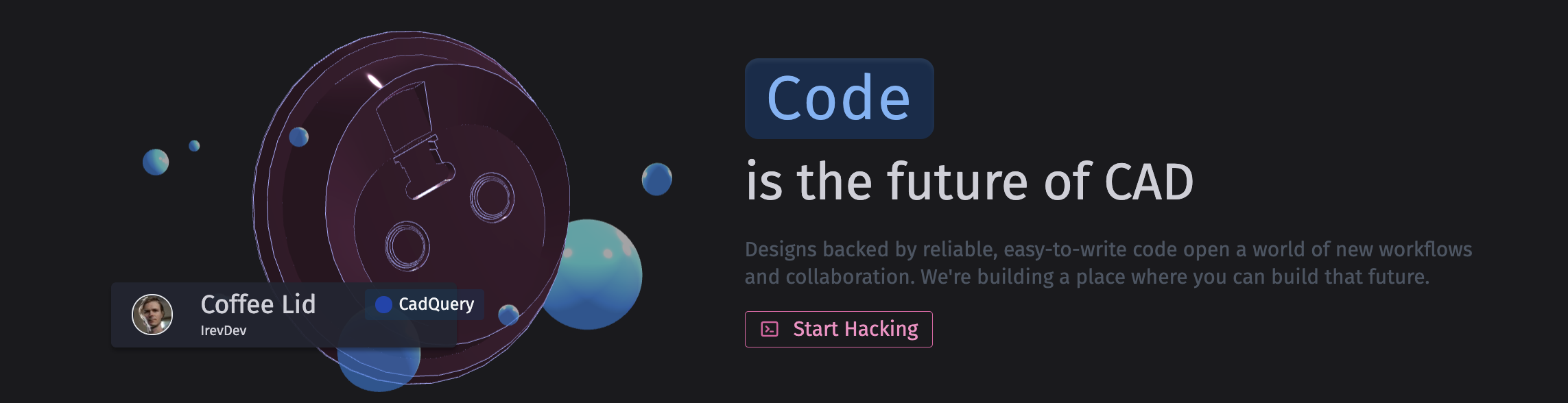
    @hrgdavor thanks for the nice recommendation. here's the design, which was converted from an OpenJSCAD design. https://www.thingiverse.com/thing:4788337 i'll leave the choice up to you gentlemen.